


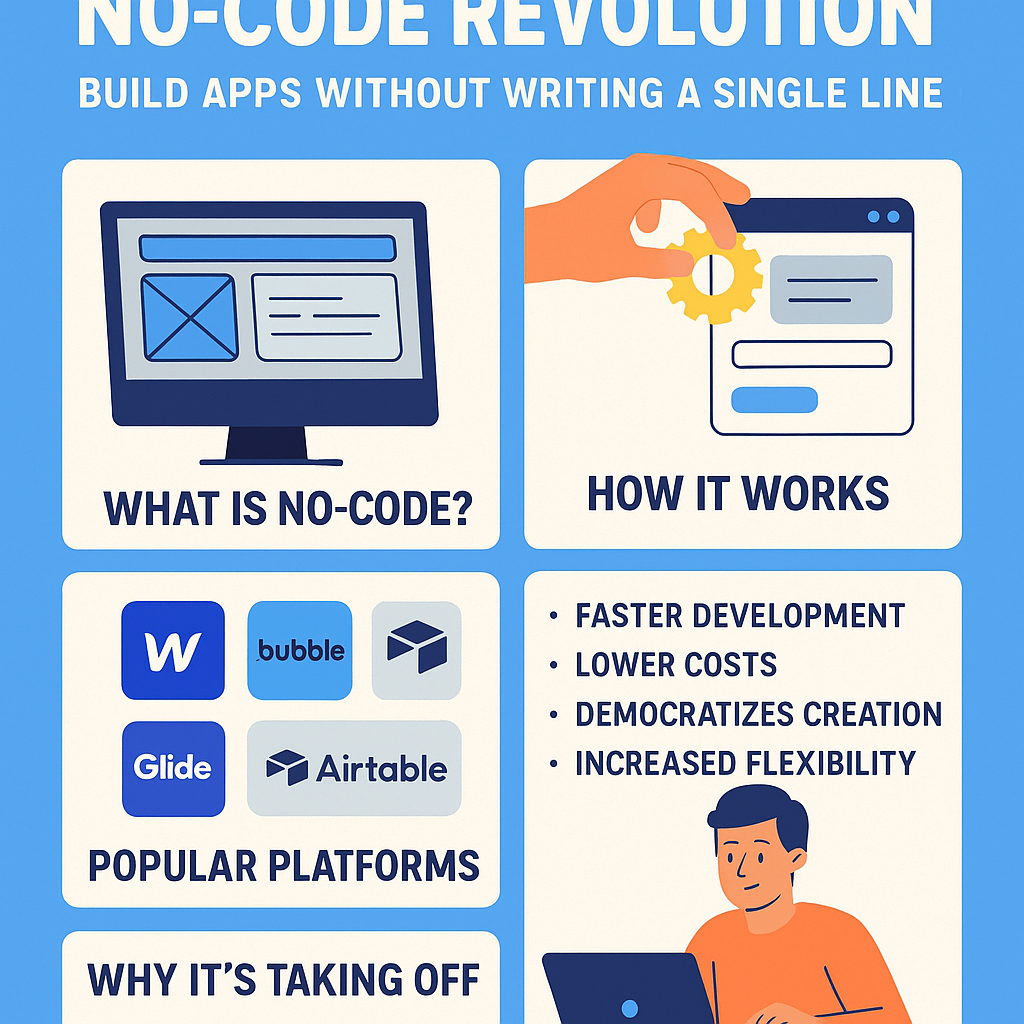
In a world where software has become the backbone of every business, startup, and side hustle, the traditional barriers to app development — such as coding knowledge, expensive developer teams, or complex infrastructure — are quickly fading. Enter the No-Code Revolution — a movement that is empowering non-techies to build powerful web and mobile applications without writing a single line of code.
From entrepreneurs prototyping new products to internal teams automating workflows, no-code platforms are reshaping how we create software. With intuitive interfaces, drag-and-drop tools, and scalable architectures, these platforms are democratizing app development — and accelerating digital transformation across industries.
This article explores what no-code really means, how it works, who it’s for, and why it’s changing the game in 2025 and beyond.
🚀 What Is No-Code Development?
No-code development refers to the use of visual programming tools that allow users to create software using graphical user interfaces instead of traditional programming languages like Java, Python, or JavaScript.
Think of it like building with LEGO blocks — users can drag and drop pre-built components, define logic through visual workflows, and launch apps in hours or days, not months.
Popular no-code platforms include:
-
Webflow – for web design and CMS
-
Bubble – for complex web apps
-
Glide – for creating mobile apps from Google Sheets
-
Airtable – for database-driven apps
-
Zapier / Make (Integromat) – for automating workflows
-
Adalo – for mobile app creation
-
Thunkable – for Android/iOS apps
🔧 How Does No-Code Work?
At the core of no-code tools are three key components:
1. Visual Interface
Users design screens and layouts using drag-and-drop UI builders, much like working in PowerPoint or Canva.
2. Pre-Built Logic Blocks
Instead of writing code, users define workflows using logic modules like:
-
“If X happens, then do Y”
-
Form submissions, data updates, notifications, etc.
3. Integrations & APIs
No-code tools connect with external platforms like Google Sheets, Stripe, Mailchimp, Shopify, and even databases or CRMs, via plug-ins or connectors.
This combination allows even those with zero technical background to create:
-
eCommerce stores
-
Internal dashboards
-
Booking systems
-
Customer portals
-
Project management tools
-
Membership or marketplace apps
🧑💼 Who Is Using No-Code?
The real beauty of no-code platforms is that they serve a broad spectrum of users, such as:
📊 Business Teams
Operations, marketing, and HR teams build internal tools and workflows without waiting on IT departments.
🚀 Entrepreneurs
Startups create MVPs (Minimum Viable Products) to test ideas quickly and cheaply.
💡 Creators & Freelancers
Designers, educators, and solopreneurs launch digital products, courses, and tools independently.
🏢 Enterprises
Large companies use no-code for prototyping, data visualization, and automating processes without increasing headcount.
Gartner predicts that by 2026, over 80% of software will be built by non-programmers using no-code and low-code tools.
💥 Why No-Code Is Exploding in 2025
1. Speed to Market
What used to take 6–12 months of development can now be done in days or weeks, allowing faster experimentation and feedback loops.
2. Cost Efficiency
Hiring a full-stack development team can cost thousands of dollars. No-code tools often operate on affordable monthly subscriptions, bringing costs down dramatically.
3. Talent Gap Solution
There’s a global shortage of software developers. No-code empowers teams to innovate without being limited by available tech resources.
4. Agility in Innovation
As consumer needs evolve rapidly, businesses need to pivot and adapt instantly. No-code allows this flexibility.
5. Better UX Control
Designers and marketers now have end-to-end control over how digital products look and feel — without relying on developers for UI tweaks.
📱 What Can You Build with No-Code?
Here are real-world examples of what people are building with no-code today:
| App Type | Built With | Use Case Example |
|---|---|---|
| Web App | Bubble | Property rental platform |
| Mobile App | Adalo / Thunkable | Meditation or journaling app |
| CRM System | Airtable + Softr | Custom client management tool |
| Booking Platform | Glide + Stripe | Appointment scheduler for salons |
| Internal Dashboard | Retool + Google Sheets | KPI tracker for remote teams |
| Marketplace Website | Webflow + Memberstack | Freelancer gig marketplace |
| Automation Workflows | Zapier / Make | Auto-email reports from new form entries |
With no-code, ideas become functional software without code dependency.
🤝 No-Code vs Low-Code: What’s the Difference?
While both aim to simplify development, no-code is for non-tech users, whereas low-code is for developers who want to speed things up.
| Feature | No-Code | Low-Code |
|---|---|---|
| Target User | Non-technical creators | Developers or tech-savvy teams |
| Flexibility | Limited to built-in features | Can customize with some coding |
| Platforms | Bubble, Glide, Webflow, Adalo | OutSystems, Mendix, Appian |
| Coding Needed | None | Some (for complex logic or APIs) |
🧠 What Are the Limitations?
While no-code is incredibly powerful, it’s not for everything. Some limitations include:
🔐 Scalability
Enterprise-scale apps or those with millions of users may require backend optimizations that no-code tools can’t offer yet.
💻 Custom Logic
Apps requiring very complex algorithms or machine learning may outgrow visual builders.
🎯 Platform Lock-In
Some platforms may limit exportability — switching to code later can be difficult.
Still, for 90% of business needs, no-code provides more than enough capability to launch, iterate, and grow.
🧭 The No-Code Startup Playbook
If you’re an entrepreneur or team leader thinking about going no-code, here’s a simple guide:
-
Validate Your Idea
Use surveys, landing pages (via Carrd or Webflow), or waitlists to check interest. -
Map Your User Journey
Use tools like Figma or even paper sketches to visualize user flow. -
Pick the Right Platform
-
Use Glide or Adalo for mobile apps
-
Bubble for robust web apps
-
Webflow for stylish websites
-
Airtable + Softr for internal tools
-
Launch an MVP
Focus on core features. Iterate quickly using user feedback. -
Integrate Automations
Use Zapier or Make to automate emails, data entry, or reporting. -
Scale or Migrate
If the app grows fast, consider integrating low-code elements or eventually migrating to custom code.
🏁 Real-World Success Stories
🧴 1. A DTC Skincare Brand
Used Webflow + Shopify + Airtable to launch a fully automated website and fulfillment system — zero engineers needed.
👩🏫 2. Online Course Creator
Built a membership site using Memberstack + Webflow + Airtable in just 4 days. Now earns $8K/month.
🚕 3. Local Cab Aggregator
Launched a ride-booking app using Glide and Google Sheets. Now servicing 3 cities with 10K+ bookings/month.
🔮 The Future of No-Code
We’re only scratching the surface of what no-code will enable. By 2027, expect:
-
AI-assisted no-code builders that design apps for you
-
Voice-to-app tools (e.g., describe the app and it gets created)
-
Integration with AR/VR and IoT devices
-
Global workforce transformation where anyone, anywhere, can become a tech creator
As barriers to creation vanish, we’ll see a global explosion of micro-innovators and indie app founders.
✅ Conclusion: No-Code Isn’t a Trend — It’s a Transformation
The no-code revolution is not about replacing developers — it’s about empowering millions of new builders to solve problems, automate tasks, and bring ideas to life faster than ever before.
Whether you’re a marketer, solopreneur, teacher, or operations manager, no-code gives you the tools to create software with autonomy and confidence. In a digital-first economy, that’s not just convenient — it’s essential.
🧩 FAQs
Q1: Is no-code really suitable for serious businesses?
Absolutely. Many startups and SMBs are running profitable, scalable businesses built entirely on no-code platforms. Even enterprises use them for internal tools and prototyping.
Q2: Can I transition from no-code to custom code later?
Yes, though some platforms allow easier migration than others. It’s best to plan ahead if you expect large-scale custom development in the future.
Q3: Which no-code platform should I start with as a beginner?
For web apps: Bubble. For mobile apps: Glide. For websites: Webflow. For automation: Zapier or Make.
Read More: